
Free Trial Cancellation Timer
Track every free trial you've signed up for. See exactly how many days remain before each service charges your card, with colour-coded alerts so nothing slips through.
Track Your Trials
Add each trial below. The timer shows how many days remain before billing starts.
If you only need a service for a one-time task, like watching a specific show or downloading a file, cancel immediately after signing up. You keep access for the full trial period. This is the most reliable way to never get charged.
A reminder on the last day gives you no buffer. Set your reminder 3 days before the trial ends so you have time to log in, find the cancellation option, and confirm it went through, even if the service makes it difficult.
Several banks and services like Privacy.com let you generate virtual card numbers. Set a spending limit of $0 after signing up. When the trial tries to charge, it fails automatically. No cancellation needed.
Why Free Trials Are Designed to Charge You
Free trials are legitimate marketing tools, but they're built on a deliberate asymmetry. The sign-up process is engineered to be frictionless: a single click, card saved, trial starts instantly. Cancellation is another story entirely. Services bury the cancel button several menus deep, use vague language like "Manage plan," and splash retention screens in your path. Some won't let you cancel at all without calling customer support.
This isn't accident. It's a deliberate conversion strategy. The company's goal is not to trap you illegally, but to make the path of least resistance lead directly to a paid subscription.
In the United States, the FTC's Negative Option Rule (part of the Restore Online Shoppers Confidence Act) actually requires companies to make cancellation as easy as signup. Legally, if they offer a one-click trial signup, they must offer a one-click cancel too. In practice, enforcement is spotty. Some companies comply; many deliberately dance around the edges. They'll give you a cancel button, but hide it behind multiple confirmation screens, or require you to cancel during a specific window, or make the button barely functional. All technically "compliant," yet functionally designed to trip you up.
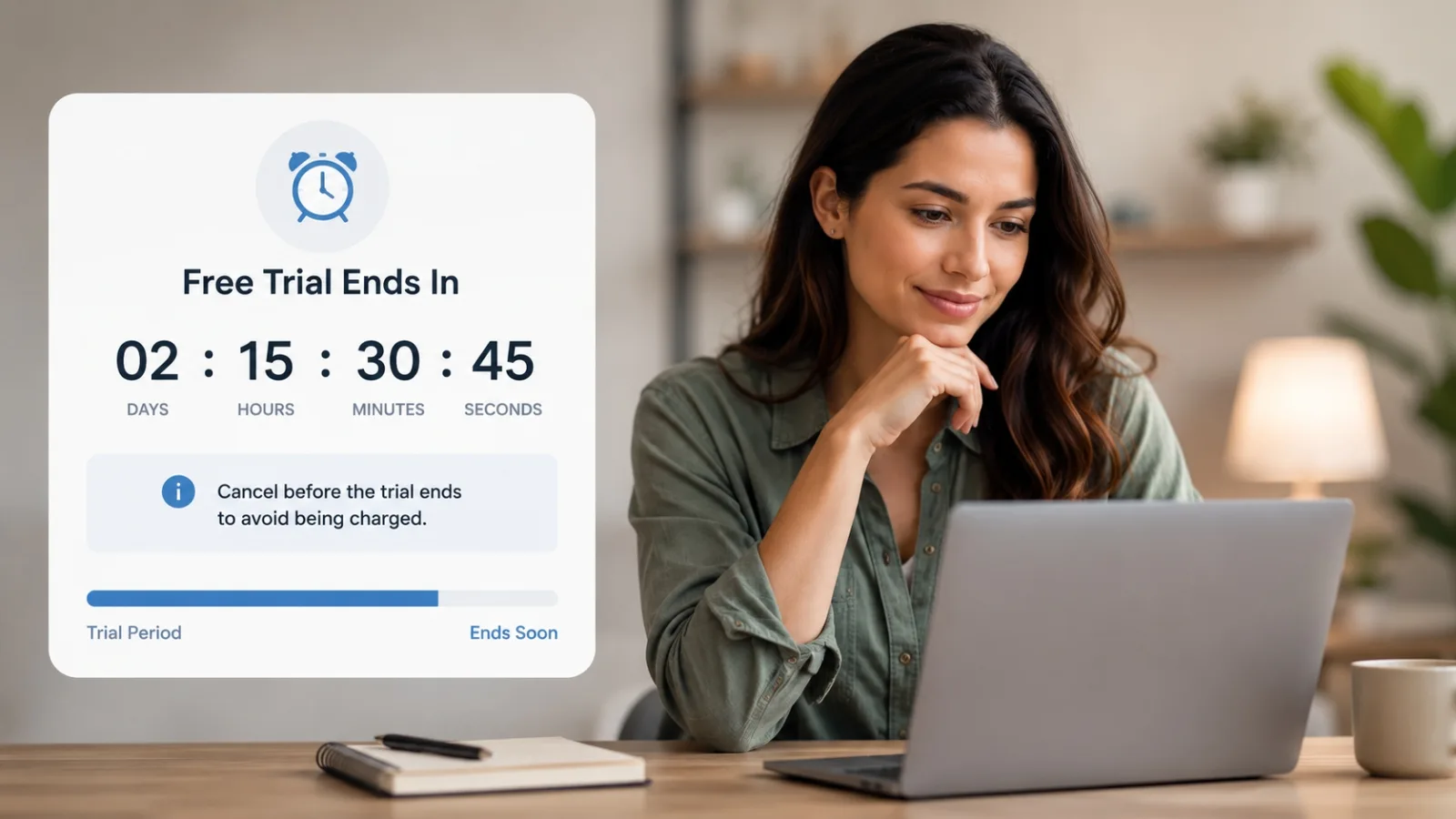
The practical upshot for consumers: knowing your deadline in advance and having it displayed clearly with a day count removes almost all the risk. When you see "3 days left," you act before you forget.
What happens if you miss the deadline
If you're charged after a trial ends, you have a reasonable shot at getting a refund, especially if it was your first billing and you contact support quickly. Most consumer-facing services will refund accidental charges within the first 24 to 72 hours if you haven't used the paid service.
If the company refuses, contact your bank or card issuer. Explain that you believed the trial had been cancelled and request a chargeback. You'll have better standing if you can show you didn't use the service after the billing date.
How to Document Your Cancellation (And Why It Matters)
If you get charged after cancelling, your only evidence will be what you save in the moment. Most companies delete user records after cancellation, so don't rely on logging back in later to prove what happened. Document at cancellation time. It takes two minutes and can save you hours of back-and-forth with support.
1. Take a screenshot of the cancellation confirmation screen
The moment you see "Your subscription has been cancelled" or "Cancellation confirmed," screenshot it. Include the date, time, and any confirmation number visible. Save it with a descriptive filename like "Netflix_cancelled_2024-07-12.png."
2. Wait for the confirmation email and save it
Most services send an email confirming the cancellation within minutes. Don't just read it. Download or forward it to yourself in a folder called "Cancellations" or similar. Emails are harder for companies to deny than a screenshot alone.
3. Forward it to yourself with a descriptive subject line
Forward the confirmation email to your own address with a subject like "CANCELLATION: Adobe CC Confirmed 2024-07-12" or use your email client's flag/star feature to mark it as important. Create a searchable trail.
4. If no confirmation email arrives, contact support immediately
Within 24 hours of cancelling, check your spam folder and then reach out to support with a screenshot of the cancellation screen. Ask them to confirm the cancellation in writing. Tell them you plan to monitor for unauthorized charges and you've documented the cancellation. Companies take this seriously. It puts them on notice that you're paying attention.
Services Known for Making Cancellation Difficult
Some companies have earned reputations for obstructive cancellation practices. This isn't speculation. These patterns show up consistently in consumer complaints and FTC enforcement actions. It's important to know what you're signing up for.
Phone or live chat only (no self-service cancel button)
These services force you to call or chat rather than cancel in-app or online. It's a deliberate friction tactic. You have to sit on hold, explain yourself to an agent, and listen to retention pitches.
Examples: SiriusXM (satellite radio), most traditional gym memberships, some home security systems (ADT, Vivint), cable TV providers.
Buried cancel button (several menus deep)
The cancel option exists, but it's hidden behind vague menu names. You might find it under "Manage Plan," then "Subscription Settings," then "Advanced Options," then scroll past multiple upsell screens before finding "Cancel."
Examples: Adobe Creative Cloud, Amazon Prime Video, many fitness apps (Peloton, BeachBody).
Cancellation fees within contract period
Some services charge you a fee to cancel early, especially if you signed a longer-term contract. They might call it an "early termination fee," "cancellation penalty," or "exit fee."
Examples: Gym memberships with annual contracts, phone plans, home security contracts, some VPN services, extended warranties.
Free Trial Lengths at Popular Services
Trial availability changes frequently. Some services that offered 30-day trials now offer 7 days or none at all. Always confirm the exact trial terms on the service's own sign-up page before entering your card details.
| Service | Free Trial Length | How to Cancel |
|---|---|---|
| Netflix | No free trial (discontinued 2019) | Account settings on desktop |
| Hulu | 30 days for new subscribers | Account page, then Cancel |
| Disney+ | No free trial (most markets) | Account, Billing, Cancel Subscription |
| Amazon Prime | 30 days | Account, Prime Membership, Cancel |
| Apple TV+ | 7 days | Settings, Apple ID, Subscriptions |
| Spotify Premium | 1 month | Account page, Premium, Cancel |
| YouTube Premium | 1 month | Paid Memberships in account settings |
| Adobe CC | 7 days | Adobe account, Manage Plan |
| Paramount+ | 7 days | Account, Subscription, Cancel |
| ESPN+ | No free trial | Account, Manage Subscription |
| LinkedIn Premium | 1 month | Account, Subscriptions, Cancel |
| Audible | 30 days (1 free credit) | Account, Membership details, Cancel |
Trial availability and lengths change without notice. Verify directly with the service before signing up.
Got Questions?
Frequently Asked Questions
Common questions about free trials, cancellation timing, and what to do if you get charged.
Need the exact cancellation steps?
Our guides show you precisely how to cancel each service, including where to find the hidden cancel button.